7110 templates · free with Google sign-in
Dieline templates, made to measure.
Start from 1025 parametric structures — tuck ends, mailers, trays, pouches, labels and more. Type a length, width and height and every crease, tuck and glue flap moves with it, then download a die-ready file or fold it in 3D first.
Already have a supplier file? Check a DXF, SVG or CF2 dieline.
- Cut, crease & bleed layers
- Any size, to 0.1 mm
- PDF · SVG · DXF
- FEFCO & ECMA references
- dieline templates
- 7110
- parametric structures
- 1025
- templates with FEFCO or ECMA codes
- 1355
- boards & substrates
- 105
Choose what you’re making
Start with the construction you need, adjust its dimensions, and check a physical sample before production.
Blind boxes
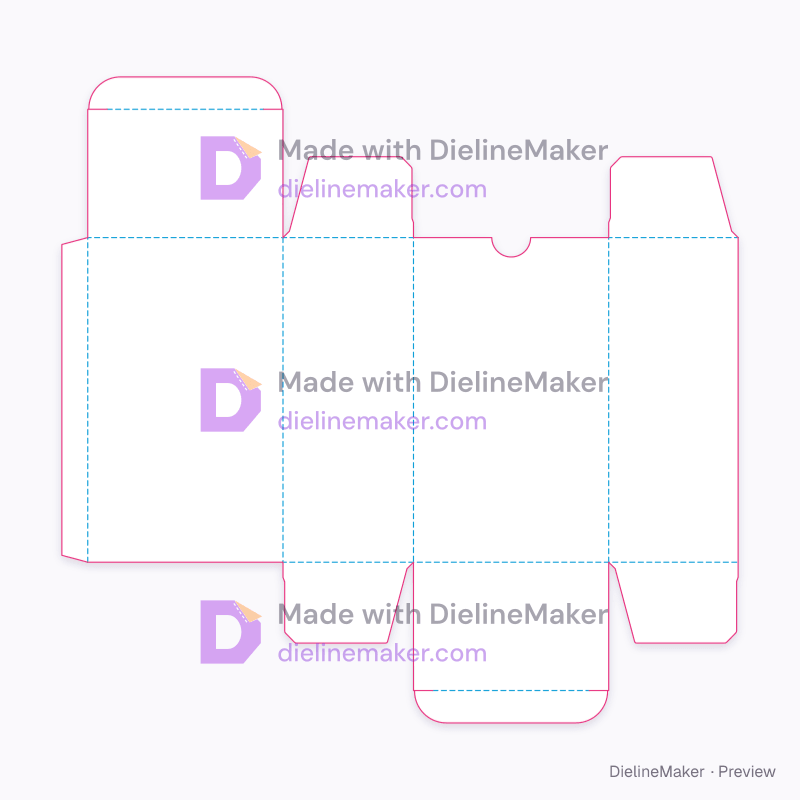
Start with a straight-tuck carton sized for a collectible. Change its dimensions within the same template.
Cereal boxes
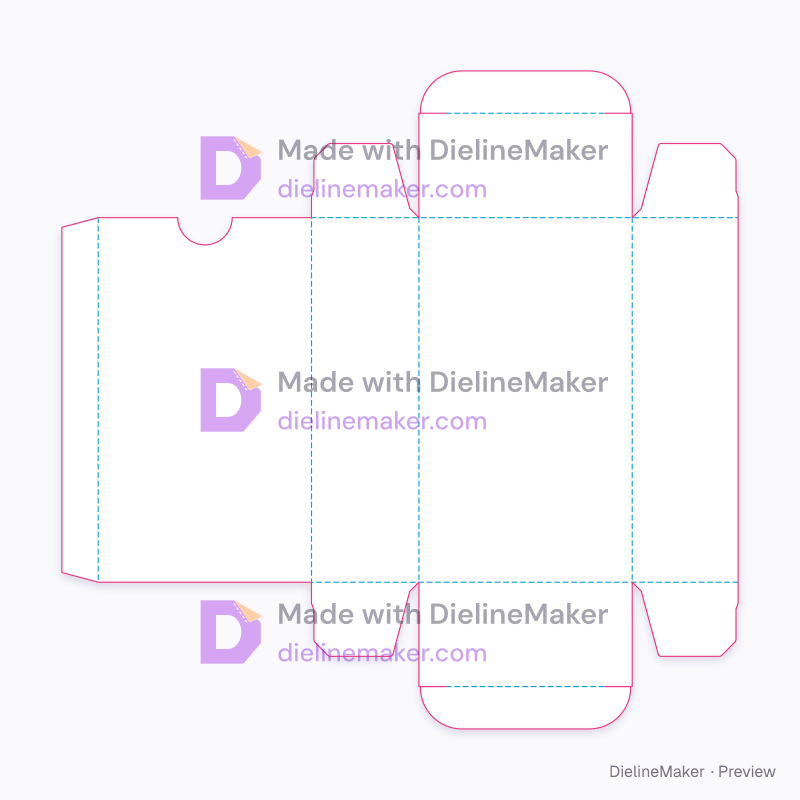
Choose a seal-end carton for a glued top and bottom. Resize it for the product and check the folded sample.
Matchboxes
Set the size of the sliding tray and check the fit inside its open-ended sleeve.
Soap packaging
Use a tuck carton for an enclosed bar or a sleeve to leave the ends visible. Size the package around your soap.
Square bottom paper bags
Fit a boxed item into a kraft bag with a square base, side gussets and a hand-pasted bottom.
Pizza boxes
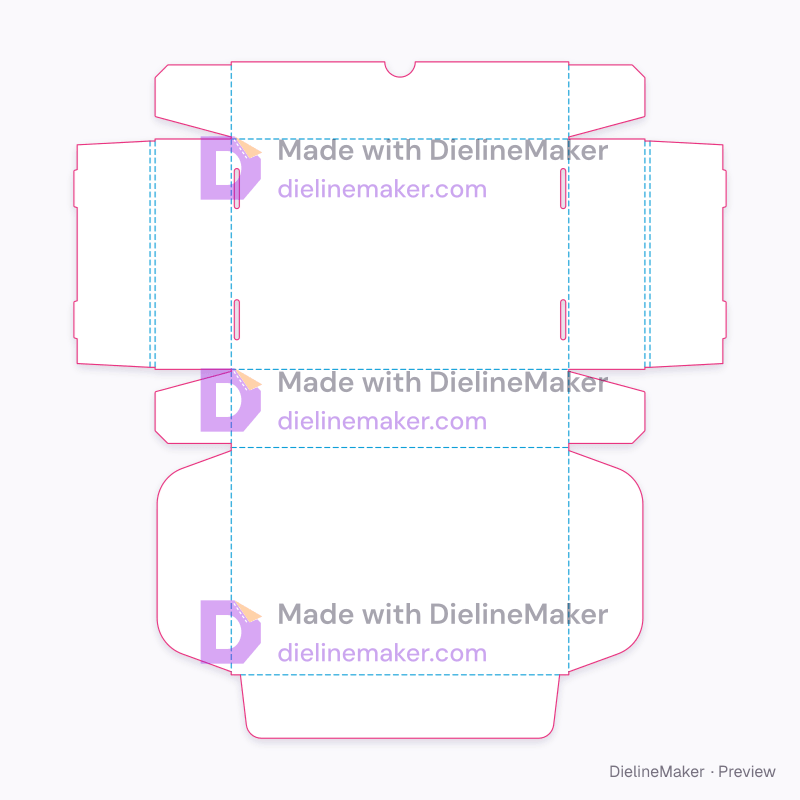
Set the inside width and lid clearance for a takeaway pizza. The template includes rolled side walls, a hinged lid and a front tuck.
Window envelopes
Start with 9 × 12 in, C4 or #10 and align the address opening with your insert. Window size and position remain editable.
Bookmarks
Set the finished size and choose corner or hole options. Check trim, bleed and alignment in an actual-size print.
Shipping and mailers
Compare a roll-end mailer with tuck ears and a regular slotted shipping case. Set the inside size and corrugated stock for your product.
7110 templates
Dieline basics
What you get with each of the 7110 templates, in plain words.
Have custom measurements? Try the dieline generator to size a structure, or use the box size calculator to compare inside, outside and score-to-score dimensions.
What is a dieline?
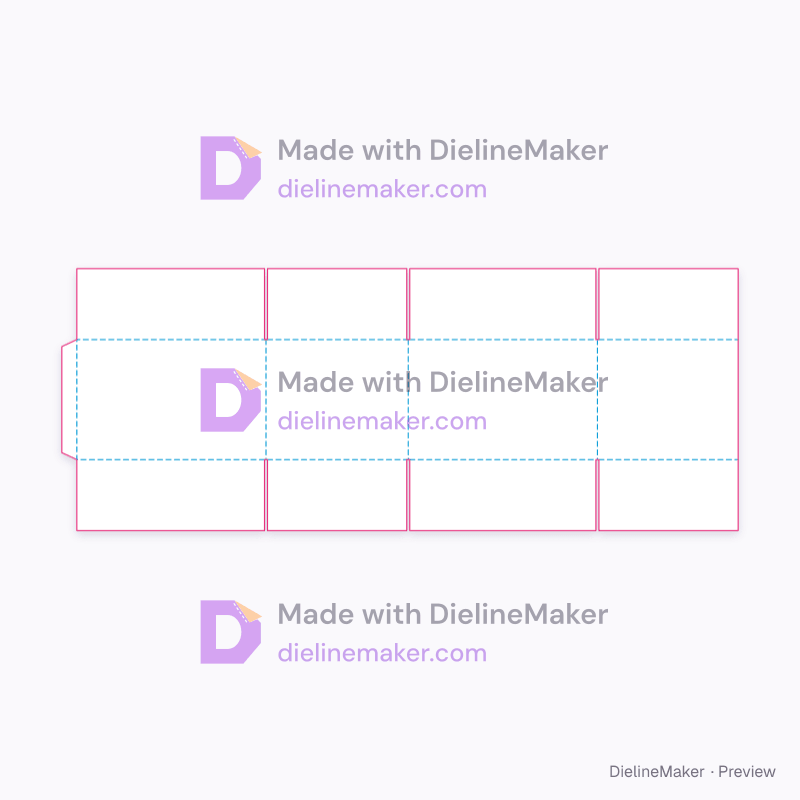
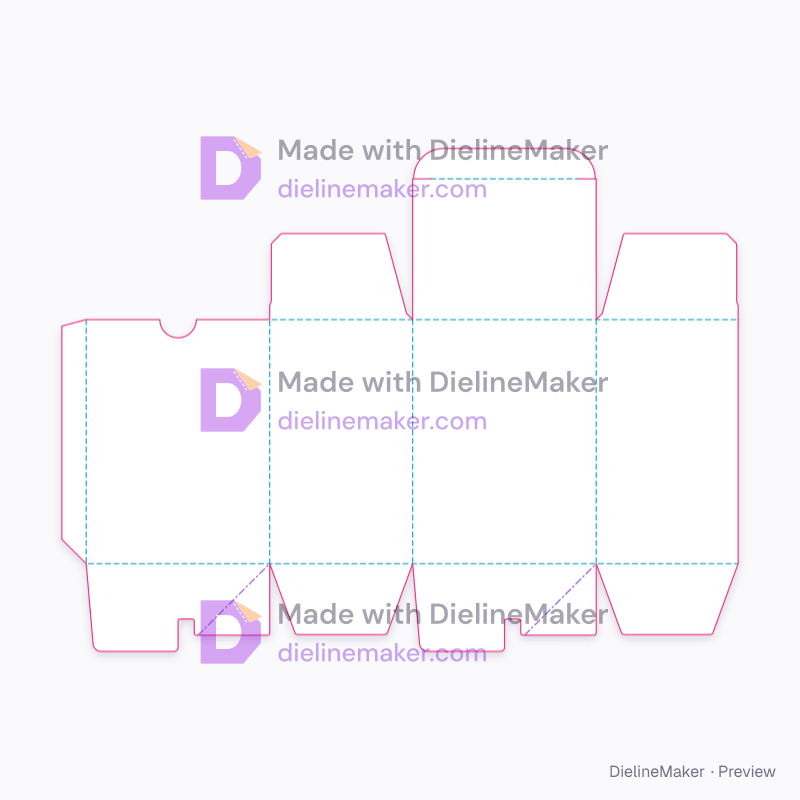
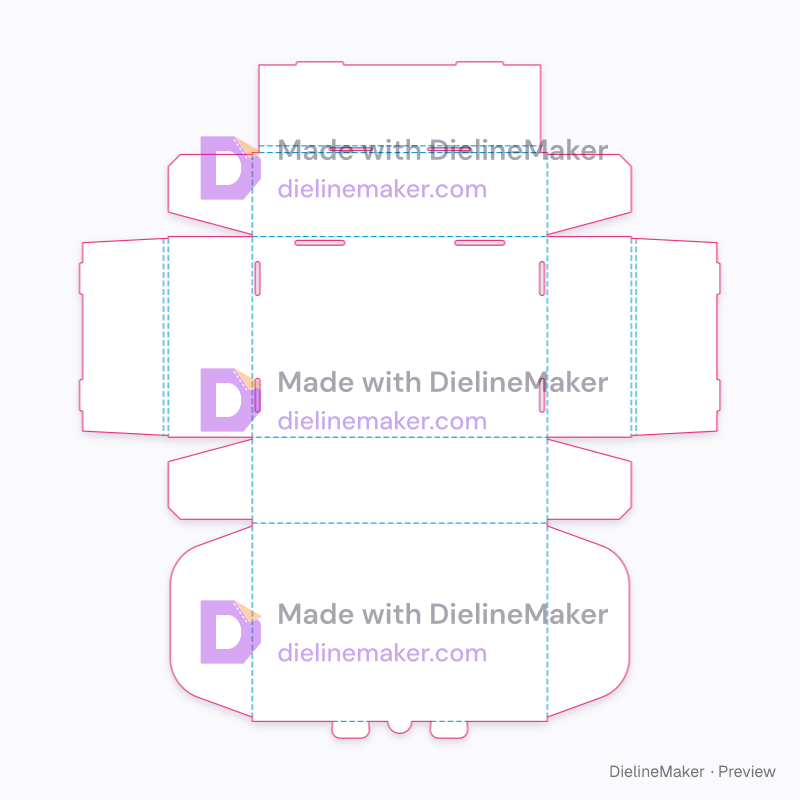
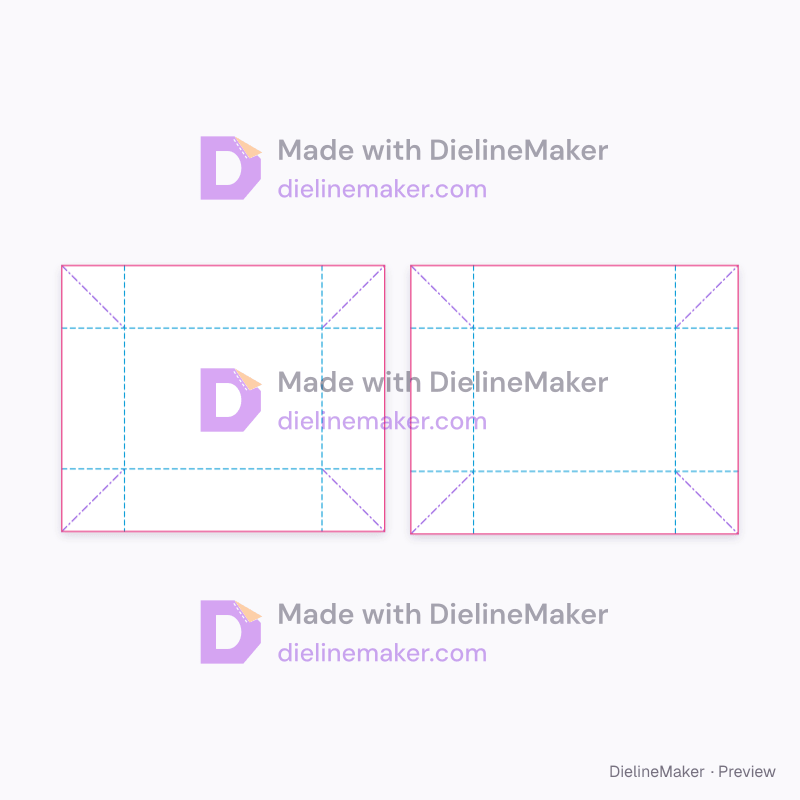
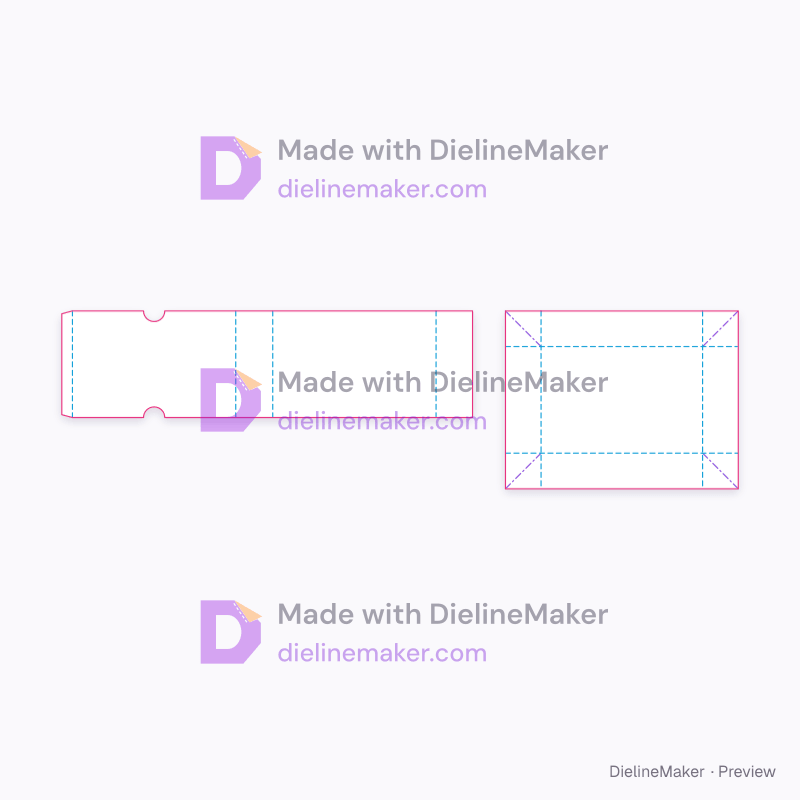
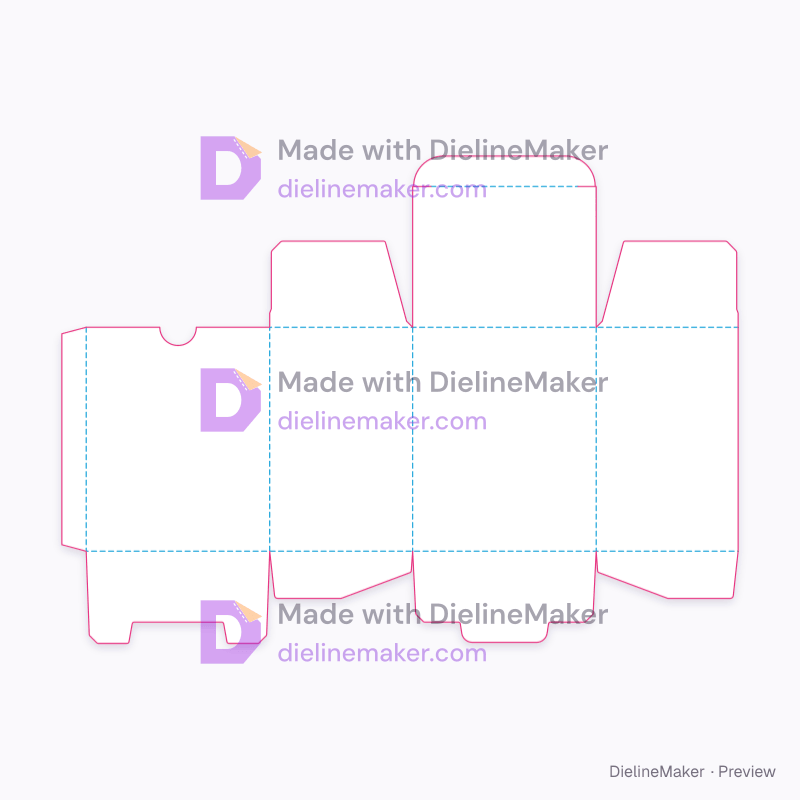
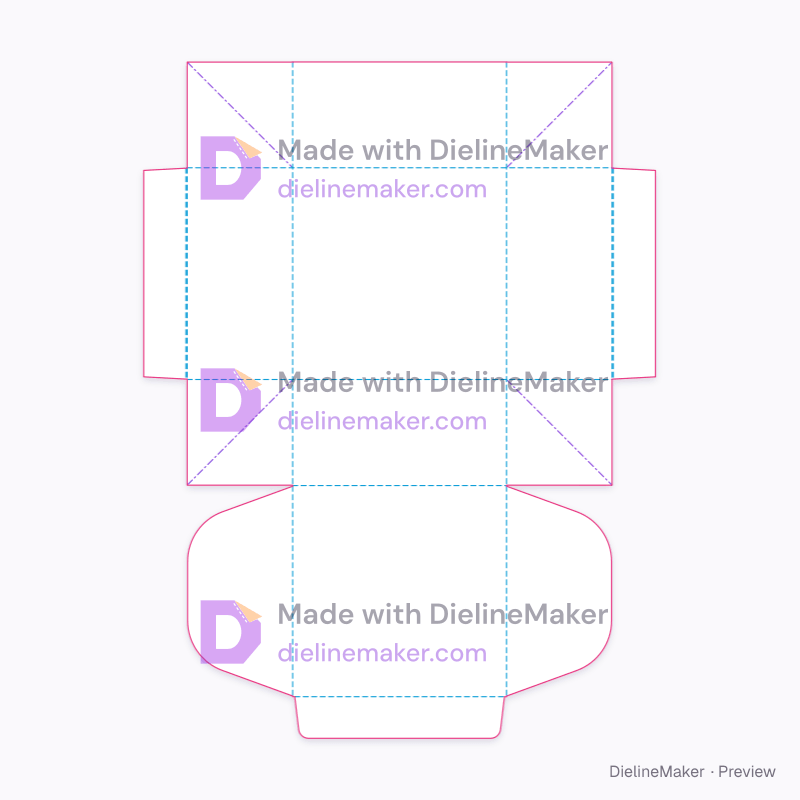
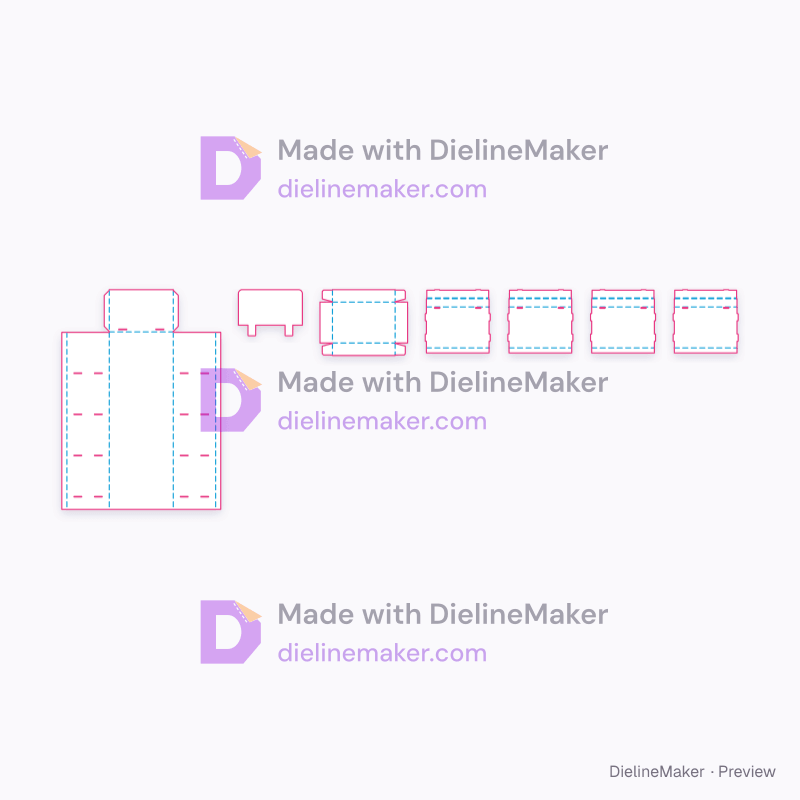
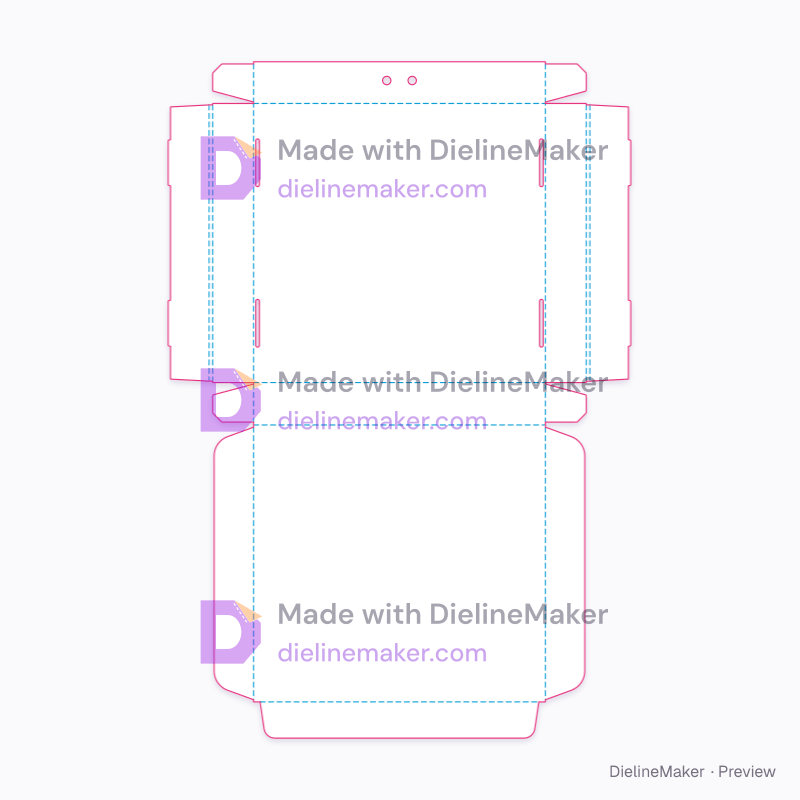
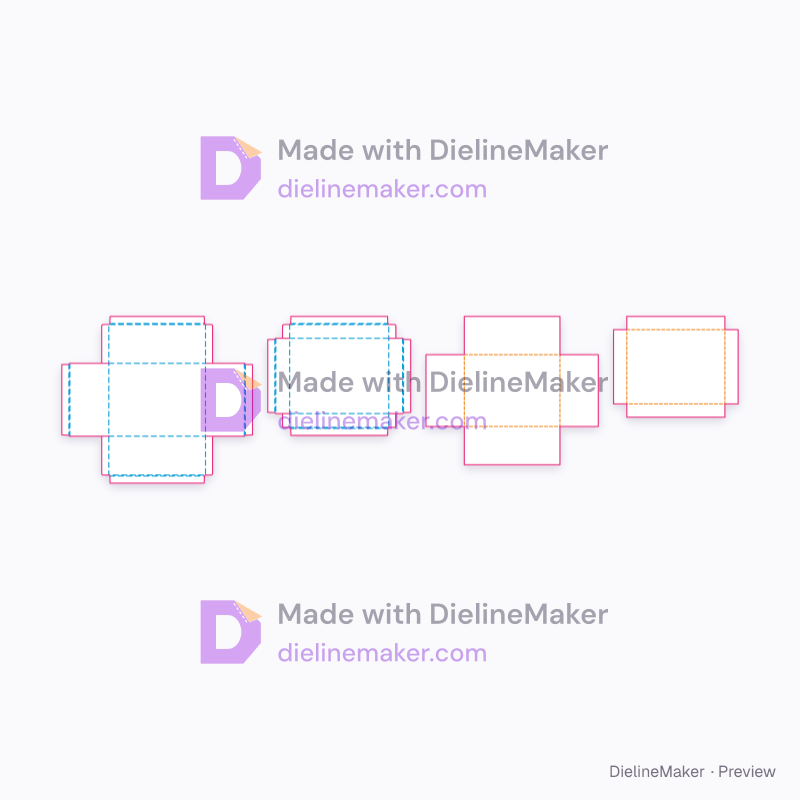
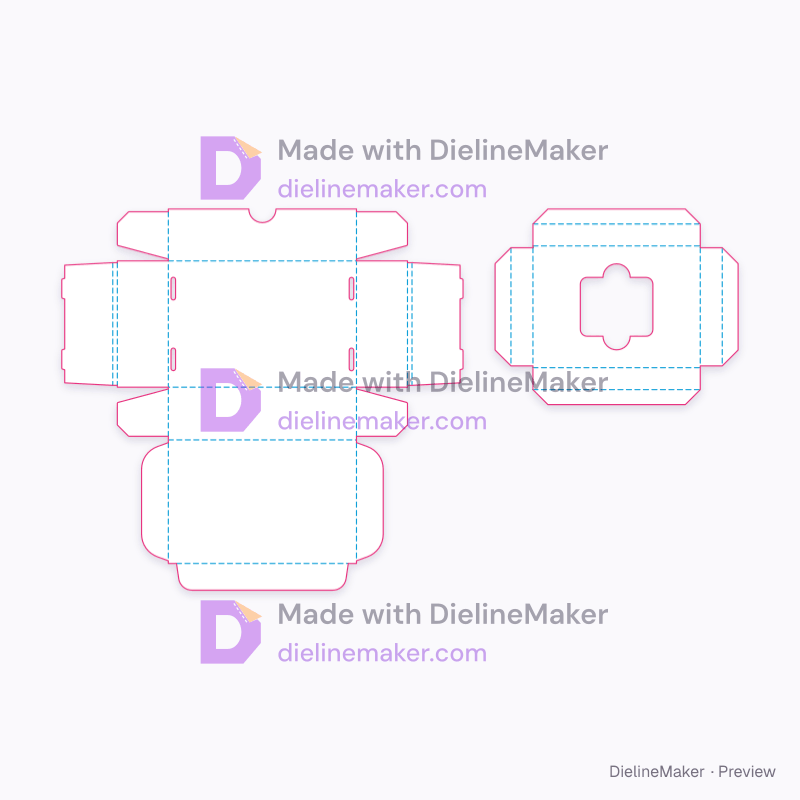
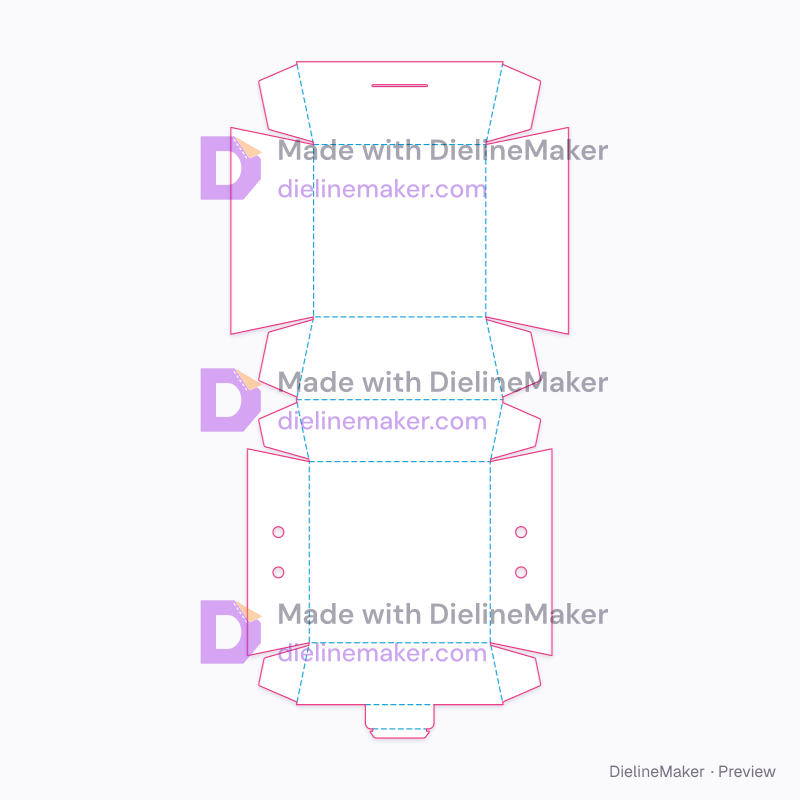
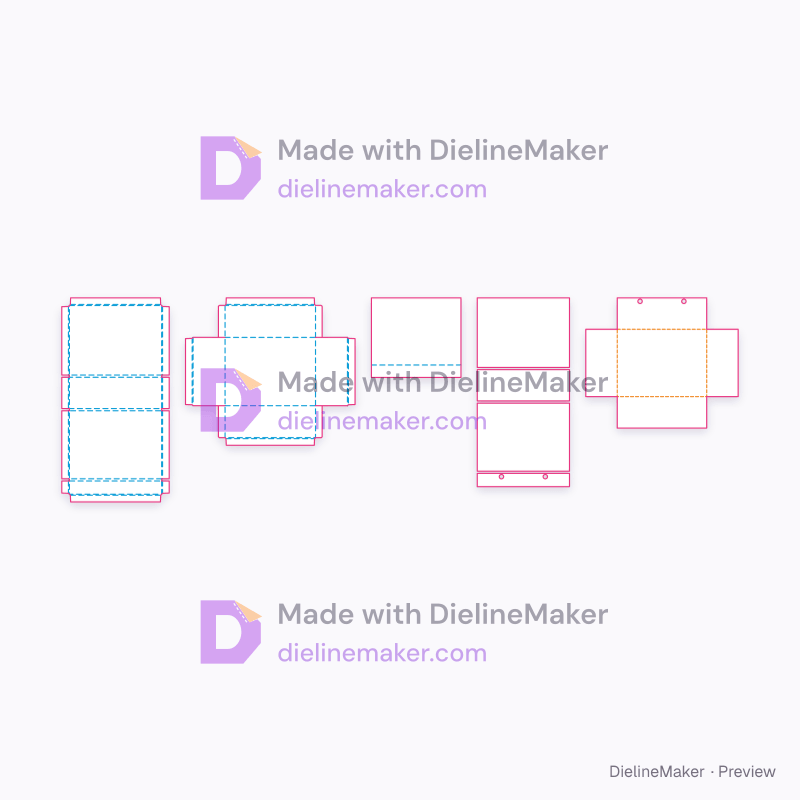
The flat drawing of a package before it is folded: the outline the steel-rule die cuts, the creases it presses, the glue flaps, and the bleed your artwork runs into. Here cut lines are solid magenta, creases dashed cyan, and the bleed a dotted line 3 mm outside the knife.
What do the downloads contain?
A dieline PDF with dimension callouts, a layered SVG for Illustrator or Inkscape, and a DXF for CAD and cutting tables. Cut, crease, bleed and dimensions sit on their own named layers and spot colours, so a printer can separate them from your artwork.
Can I change the size and board?
Yes. Every template is parametric: enter inside, outside or score-to-score dimensions and the panels, tucks, dust flaps and glue flap are redrawn for the board's caliper. 105 boards and substrates are built in — folding carton (SBS, FBB, grey-back, kraft, black), corrugated flutes, rigid greyboard with wraps, label stocks, films and PET.
Which templates have FEFCO or ECMA codes?
173 of the 1025 structures carry a FEFCO (corrugated) or ECMA (folding carton) reference, shown on every card. Structures without a standard code — clamshells, sachets, hang tags — are still fully dimensioned.
Can I see the box before I print it?
Every template opens in a live 3D view that folds the real blank, at your size and on your board. Add artwork to each face in the editor, stage it in a scene, and export a mockup image or turntable video alongside the die files.
Can’t find your structure?
Import a DXF or SVG dieline into the 3D Studio — cut and crease lines are read from layer names and colours — and it folds, takes artwork and exports like any template here.