Free packaging tool
Free dieline generator & box template maker
Type the size you need. The cut lines, fold lines, and blank update around the real box structure.
Try the tool From flat to finished.
Size and preview for free. Sign in to continue in the editor. Dieline downloads require Pro or Business.
The mailer-box standard: white print liner, kraft inside.
The space your product needs. Measure the product at its largest and add clearance.
60–600
40–450
20–250
Size from a card deck
20–300 mm
20–300 mm
1–1000 cards
0.1–2 mm
Measure ten packed cards (with their sleeves) and divide by ten; the prefilled thickness is only a starting point.
0–5 mm
Stack 19.2 mm estimated: each 0.01 mm per card moves it 0.6 mm. Check it against a real stack before you order. Inside 90.9 × 65.5 × 21.2 mm.
- Cut
- Crease
- Flat blank
- 514 × 533.2 mm
- Board per box
- 0.213 m²
- Knife (cut rule)
- 2.89 mCrease 2.70 m
- Caliper
- 1.6 mmE-flute W · E-flute
Quick answer
DielineMaker’s free dieline generator draws a box blank to the size you type. Pick one of 7,110 parametric templates and a board (from 0.14 mm carton to 15 mm corrugated), then enter L × W × H in mm, cm or inches as inside, outside or manufacturer’s dimensions. Check the flat blank and the folded preview without signing in, then export a PDF, Illustrator, SVG, DXF or CF2 dieline from the editor. Make a physical proof before a production run.
Run a mailer through prepress
Open the two-sided Sun Courier FEFCO 0427 mailer to edit the inside and outside print. The printer handoff guide includes a separate 250-unit mailer with press files, a JDF ticket and an XJDF ticket.
Edit the Sun Courier mailerFrom size to cut file
Start with the space your product needs and a structure that opens the right way. Board caliper changes score positions and outside size, so choose the material before judging the blank. For product space choose Inside; for a folded footprint choose Outside; for crease-to-crease measurements choose Manufacturer’s. Enter those measurements directly: the generator shows all three dimension sets for the same blank.
Inspect the top and bottom flaps in the fold preview. A dieline is useful only if it can be assembled and handed to the converter with cut and crease lines clearly identified.
Choose a structure
Pick a tuck carton, mailer, tray, sleeve, or another packaging style.
Enter dimensions
Choose the dimension convention, set length, width and height in your preferred units, and pick the board.
Inspect both views
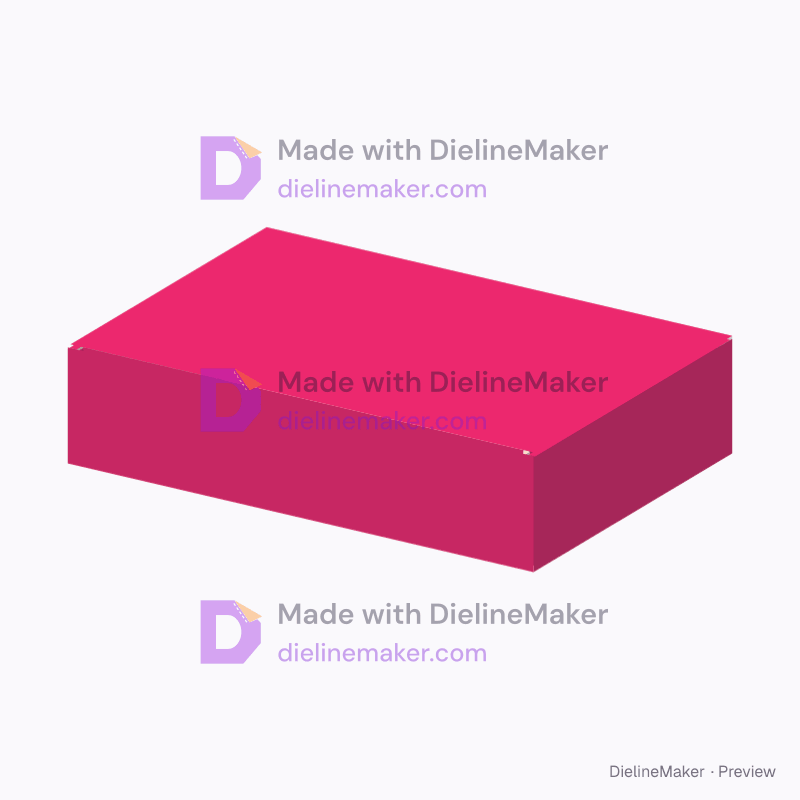
Check the flat die and the closed 3D form.
Export
Open this box in the editor and take a PDF, Illustrator, SVG, DXF or CF2 file to your supplier for review.
What your printer needs
Give the printer your intended finished dimensions, board grade, and an explanation of how the pack closes. Keep the cut and crease layers identifiable in the exported file. If the converter supplies its own dieline later, use that approved source for final artwork.
For a first sample, print the blank at 100% scale and fold it. Digital previews catch layout errors; paper catches fit and assembly problems.
Common questions
What is a dieline generator?
A dieline generator draws the flat cut-and-crease layout of a box from the dimensions you enter. Pick a structure and board, type the size, and the panels, flaps, tucks and glue tab are calculated for you, ready to export as a vector file for a printer or cutting table.
Is this dieline generator free?
Yes. Size and preview a dieline here without an account. Sign in with Google to continue designing in the editor for free. Downloading the dieline as PDF, Illustrator, SVG, DXF or CF2 is part of Pro.
Can I download a dieline as DXF?
Yes, on Pro. DielineMaker exports PDF, Illustrator, SVG, DXF and CF2, with cut and crease identified for a printer or cutting table.
Can I generate a box template from outside dimensions?
Yes. Choose Outside under “My numbers are” and enter the folded footprint. Choose Manufacturer’s for score-to-score measurements. The selected structure and board caliper determine the inside space and the other dimension sets; check those results before exporting.
What if I already have a supplier dieline?
Open the SVG or ASCII DXF in the free dieline checker. It reads the geometry, maps layers, reports common issues, and shows a folded preview.
Put it into practice.
Start with the structure, check the fold, and make the file your printer needs.
Open the dieline studio