Preview image
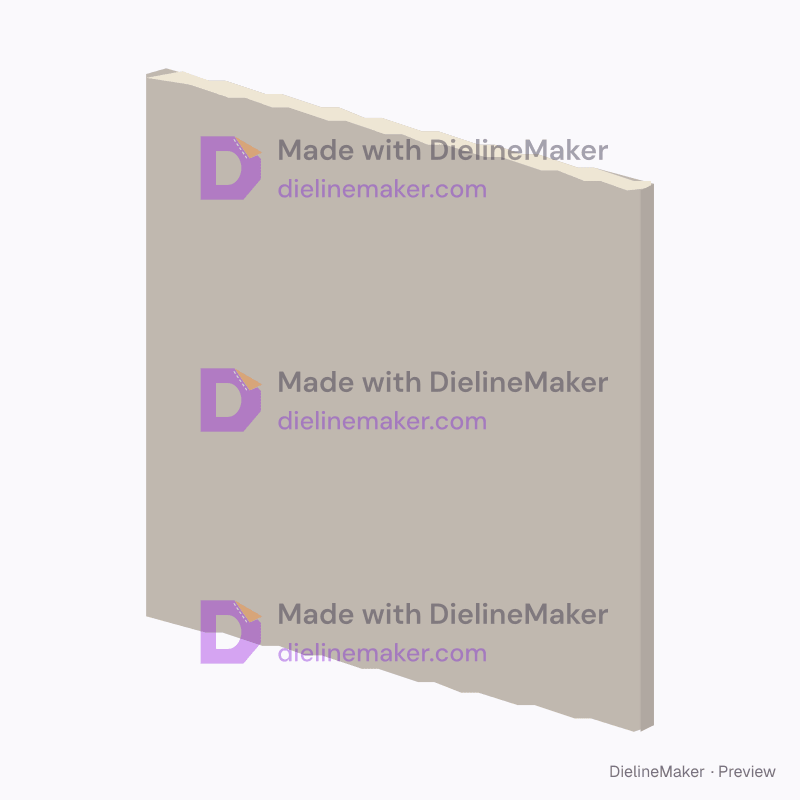
A 3D product preview with editable artwork placement. The downloads contain artwork areas; manufacturing patterns and hardware drawings are not included. The artwork is a sample from a fictional brand — swap in your own in the editor.
Artwork placementApparel & merchandise
24 in square canvas decoration template
609.6 × 609.6 mm object dimensions with editable decoration artwork. Confirm print placement with your supplier. A ready-sized preset of the stretched canvas print — adjust the object dimensions and decoration area to preview your artwork at size.
Object size609.6 × 609.6 mm
Artwork area609.6 × 609.6 mm
Download the artwork templatePro
Sign in to download. Dieline downloads are part of Pro: PDF, Illustrator, SVG and DXF, with the artwork area and bleed, without a watermark. See plans
- Reference
- —
- Structure
- Stretched canvas print
- Object size
- Width 609.6 · Height 609.6 mm
- Size range
- Width 280–900 · Height 280–750 mm
- Parts
- One artwork area
- Artwork area
- 0.372 m²
- Good for
The flat artwork area
Exactly what the downloads contain, drawn from the template at its default size, with a 3 mm bleed.
- Artwork boundary
- Bleed 3 mm
Adjustable in the editor
Alongside dimensions, the template offers 3 options; the template and 3D preview follow each change.
- Print wrapped edgeson / off
- Frame depthmm
- Floater frameon / off
The stretched canvas print family
The same model with sizes and artwork options ready to customize.
 Preset
 Preset
 Preset
 Preset
 Preset
 Preset
 Preset
 Preset
 Preset
 Preset
Before you choose this template
Size, materials, downloads and production checks.
Will the 24 in square canvas decoration template fit my product?
609.6 × 609.6 mm object dimensions with editable decoration artwork. Confirm print placement with your supplier. The default reference dimensions are Width 609.6 mm, Height 609.6 mm. Match the artwork area to your supplier’s measured print area; the displayed object dimensions do not establish production tolerances.
Can I change the size and design?
Yes. The supported ranges are Width 280–900 mm, Height 280–750 mm. At the default settings, the editor also exposes Print wrapped edges, Frame depth, Floater frame. Add your own artwork and preview the result in 3D. Resizing changes the model and artwork reference areas.
Does this template specify the material for the product?
Exports contain artwork placement areas for the supplied object. Confirm them with your supplier; manufacturing patterns and production tolerances are separate. Confirm the actual product material, print surface and finishing process with your supplier; a 3D appearance is not a manufacturing specification.
Which files can I download?
The template page offers dimensioned PDF, Illustrator (.ai via script), layered SVG and DXF artwork boundaries. Exports contain artwork placement areas for the supplied object. Confirm them with your supplier; manufacturing patterns and production tolerances are separate.
Is this decoration template free?
Browsing the previews is free, and you can customize the template after signing in with Google. Template and print-file downloads require a Pro or Business plan. The Free plan allows one eligible download every 8 hours; free mockups, renders and videos carry a watermark. See the pricing page for the current plans.
Can I manufacture the product from this download?
Exports contain artwork placement areas for the supplied object. Confirm them with your supplier; manufacturing patterns and production tolerances are separate. Use the download to prepare and approve the printed components or decoration with your supplier.
Similar structures
Other structures built in a similar way, matched on code family, category, closures and proportions.
Make this 24 in square canvas yours
Set the artwork area, add your design and export the dimensioned artwork template, or stage the product in a 3D scene.