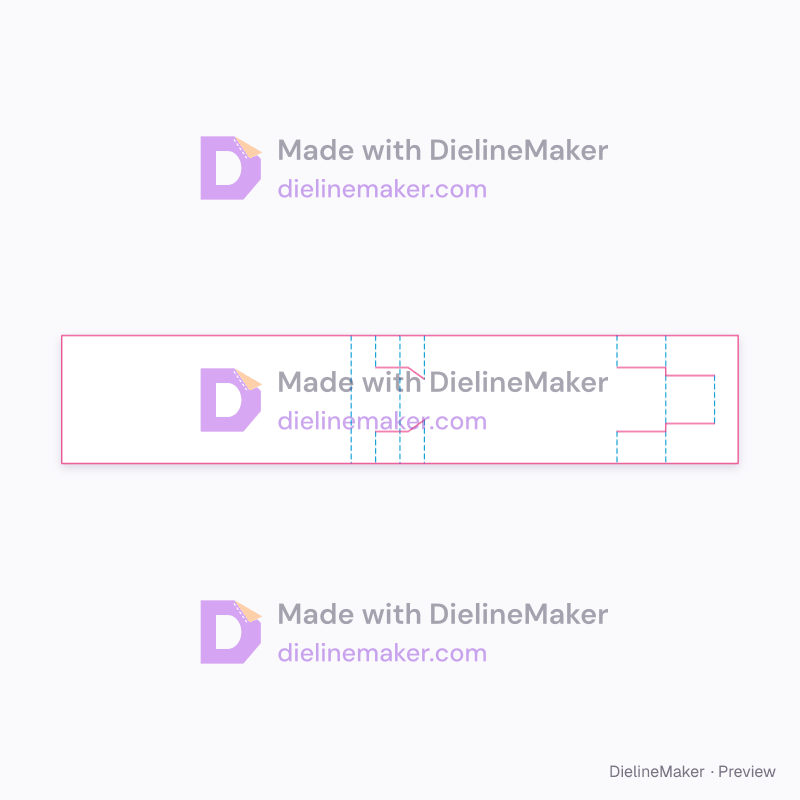
 Preset
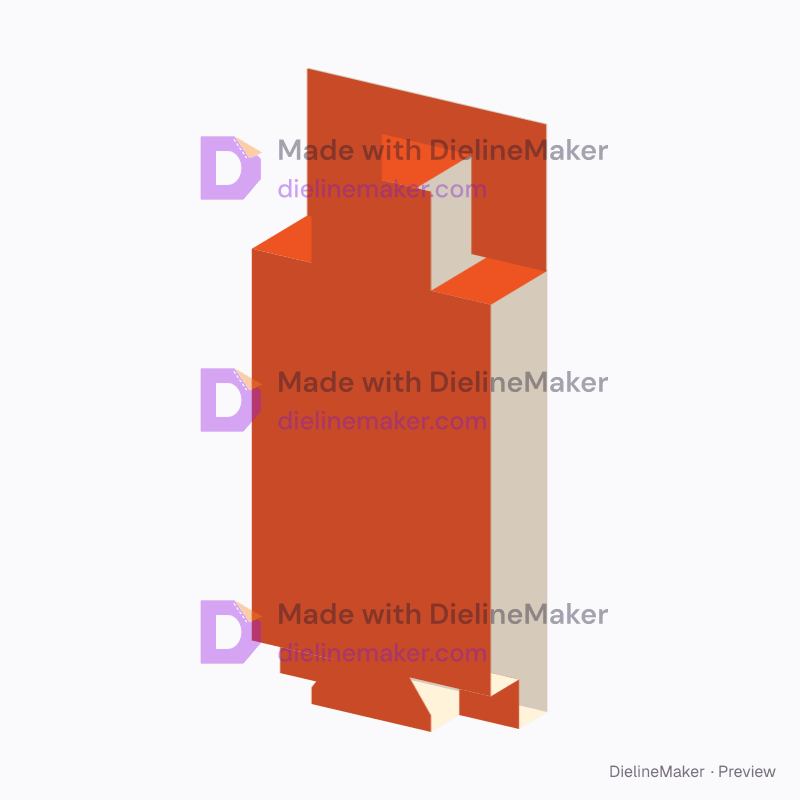
Preview image
The real blank at this size, folded by the same engine as the studio. The artwork is a sample from a fictional brand — swap in your own in the editor.
ECMA F50.04.00.00Display
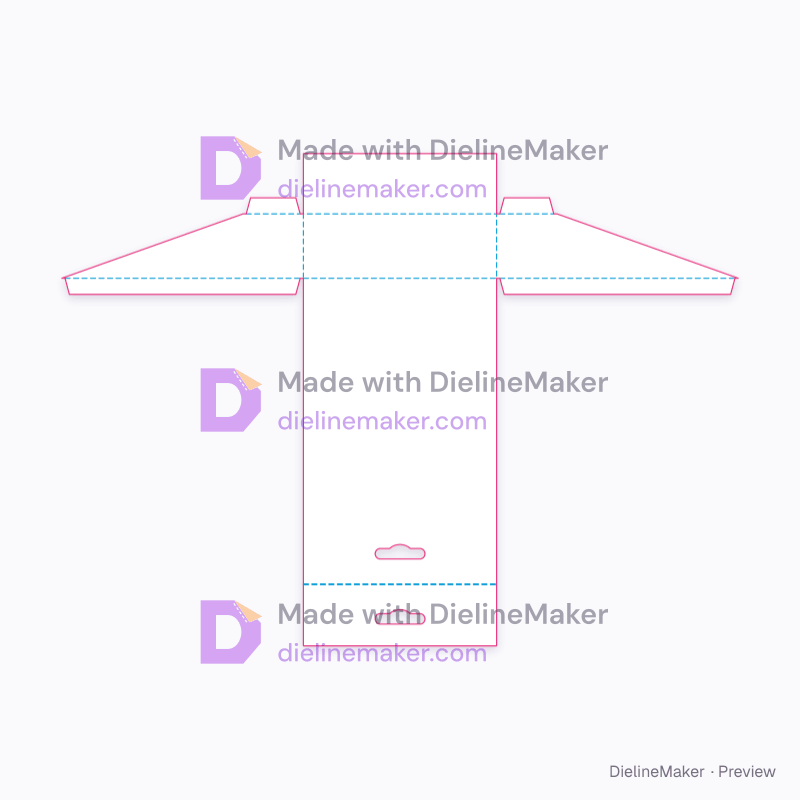
ECMA F50.04.00.00 interlocking backboard pack dieline
A glued tube on a full-height backboard: the middle rises into a tower over the top, the outer quarters step in at the foot, so neighbouring packs key into each other. A parametric template — change the length, width and height and every panel, tuck and glue flap is redrawn to match.
Inside120 × 45 × 270 mm
Outside120 × 46 × 270 mm
Flat blank631 × 120 mm
Download the dielinePro
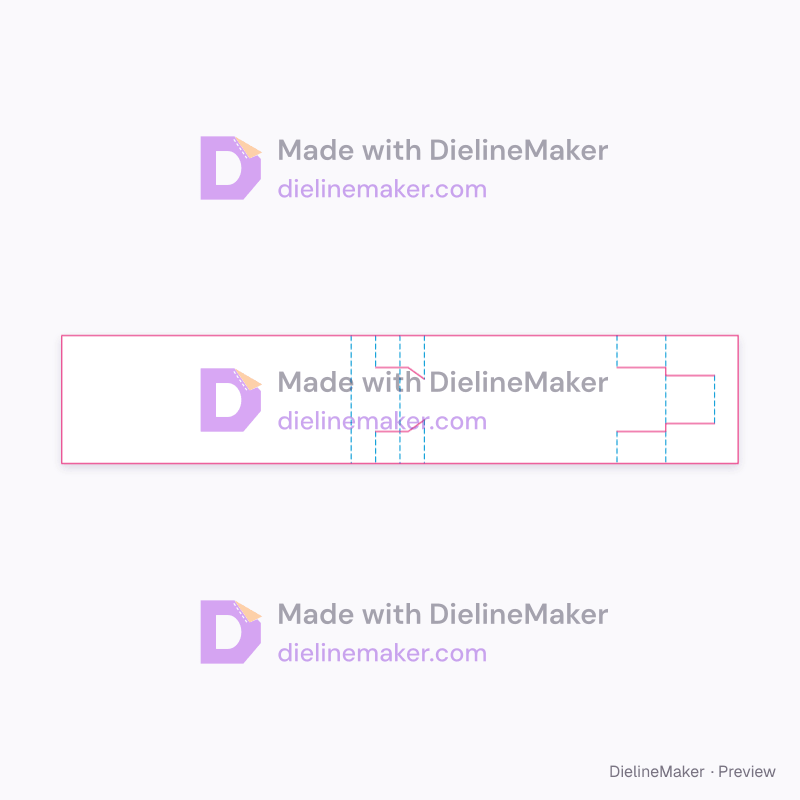
Sign in to download. Dieline downloads are part of Pro: PDF, Illustrator, SVG and DXF, cut, crease and bleed on separate layers, without a watermark. See plans
- Reference
- ECMA F50.04.00.00
- Inside size
- Width (A) 120 · Depth (B) 45 · Backboard height 270 mm
- Size range
- Width (A) 40–400 · Depth (B) 15–150 · Backboard height 80–600 mm
- Manufacturing
- 120 × 45.5 × 270 mm score to score · inside vs outside sizes
- Parts
- One blank
- Board area
- 0.076 m²
- Default board
- SBS white board 350 g · 0.5 mm caliper
- Board options
- SBS 350FBB 400GD2 350Kraft 350SBS 300F-fluteSBS 18 pt
- Good for
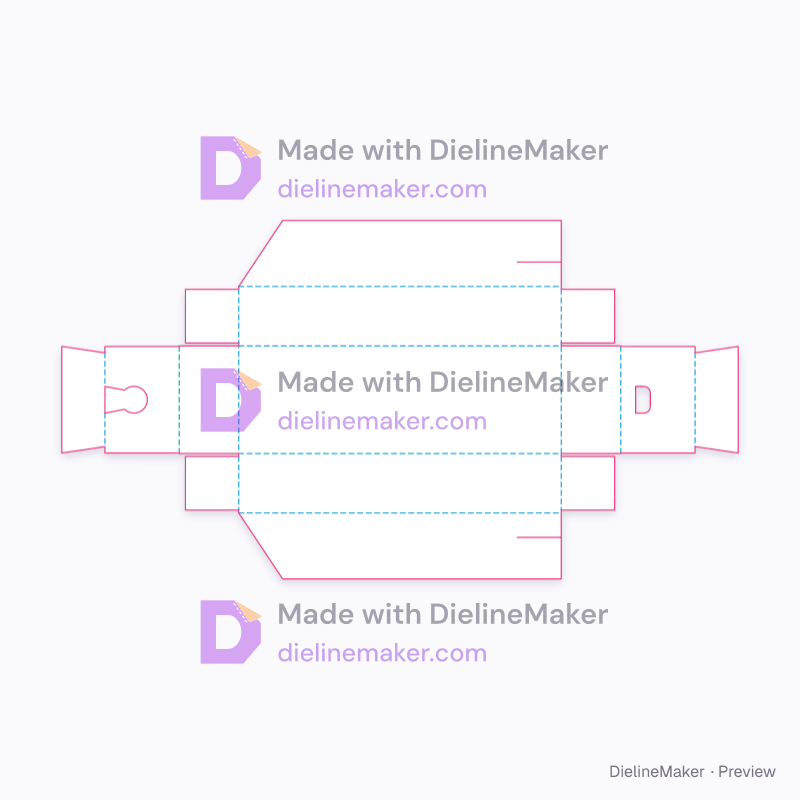
The flat dieline
Exactly what the downloads contain, drawn from the template at its default size, with a 3 mm bleed. How to read a dieline.
- Crease
- Cut
- Bleed 3 mm
On a production sheet
Exact engine layout at the stated default dimensions: 120 × 45 × 270 mm. Stock 1020 × 720 mm, grain along width; 12 mm gripper, 10 mm tail, 6 mm sides, 5 mm gutter and 3 mm bleed. Grain rotation, automatic layout. Each part is nested separately.
8 per sheet · Interlocking pack

Proven optimal: no layout fits more than 8 ups on this sheet.
How it folds
The interlocking backboard pack erects in 2 steps, in the order the creases are scored to take. The editor plays the same sequence in 3D and lights each step’s creases on the dieline.
- 1Fold the flapsBottom, Backboard, Step top, Step riser, Glued back panel and 2 more
- 2Fold the walls upTop, Tower top and 1 more
How the blank is sized
Score-to-score panel sizes of this ECMA F50.04.00.00 blank at the default size, with the formula each one follows. L, W and H are the inside dimensions; T is the board caliper (0.5 mm for SBS white board 350 g). Change the size or board in the editor and every panel is recalculated.
| Panel | Size (mm) | Formula |
|---|---|---|
| Front | 248 × 120 | – × L |
| Bottom | 45.5 × 60 | W + T × – |
| Backboard | 270 × 120 | H × L |
| Step top ×2 | 22.8 × 40.8 | – |
| Step riser ×2 | 22.8 × 30 | – |
| Top ×2 | 45.5 × 30 | W + T × – |
| Tower top | 45.5 × 45 | W + T × – |
| Glued back panel | 67.5 × 30 | – |
Adjustable in the editor
Beyond the size and board, this structure exposes 2 options; the template and 3D preview follow each change.
- Glued back panelmm
- Tower widthmm
Ready-sized interlocking backboard pack presets
The same structure with sizes, boards and options set for a use.
- Preset
Before you choose this template
Size, materials, downloads and production checks.
Will the interlocking backboard pack dieline fit my product?
A glued tube on a full-height backboard: the middle rises into a tower over the top, the outer quarters step in at the foot, so neighbouring packs key into each other. The default dimensions in inside-size mode are Width (A) 120 mm, Depth (B) 45 mm, Backboard height 270 mm. Measure your product and any inserts or wrapping, then set the template size. Check a physical sample with your contents before ordering production.
Can I change the size and design?
Yes. The supported ranges are Width (A) 40–400 mm, Depth (B) 15–150 mm, Backboard height 80–600 mm. At the default settings, the editor also exposes Glued back panel, Tower width. Add your own artwork and preview the result in 3D. The template geometry is rebuilt when its dimensions change.
Which materials can I choose?
The default is SBS white board 350 g (0.5 mm caliper). This structure allows SBS white board 350 g, Folding boxboard 400 g, Grey-back duplex 350 g, Kraft board 350 g, SBS white board 300 g, F-flute micro corrugated, SBS white board 18 pt. Select the stock before checking fit, and ask your converter to confirm the grade and caliper for the intended product.
Which files can I download?
The template page offers dimensioned PDF, Illustrator (.ai via script), layered SVG and DXF cutting and crease geometry. After adding artwork in the editor, you can export a print-ready PDF and review the bleed, safe areas and dieline layers with your printer.
Is this dieline free?
Browsing the previews is free, and you can customize the template after signing in with Google. Template and print-file downloads require a Pro or Business plan. The Free plan allows one eligible download every 8 hours; free mockups, renders and videos carry a watermark. See the pricing page for the current plans.
Can I send the download straight to production?
Use the file as a starting point for a printer or converter review. Confirm the finished dimensions, stock, crease and cutting setup, assembly, bleed and artwork, then approve a physical sample. The 3D preview does not test strength, transit performance or suitability for particular contents.
Similar structures
Other structures built in a similar way, matched on code family, category, closures and proportions.
Make this interlocking backboard pack yours
Open it in the editor to set your size, drop artwork on each face, check bleed and safe areas, and export print-ready PDF with the dieline on its own layer — or stage it in a 3D scene for a mockup.