Health & supplements
Health and supplement packaging design guide
Start with the approved product specification and text, not a generic bottle render. Keep the container label, outer carton and any leaflet as separate reviewable components so changes to a claim, serving panel or product size can be checked on every affected file.
Choose a template ↓Templates for health & supplements
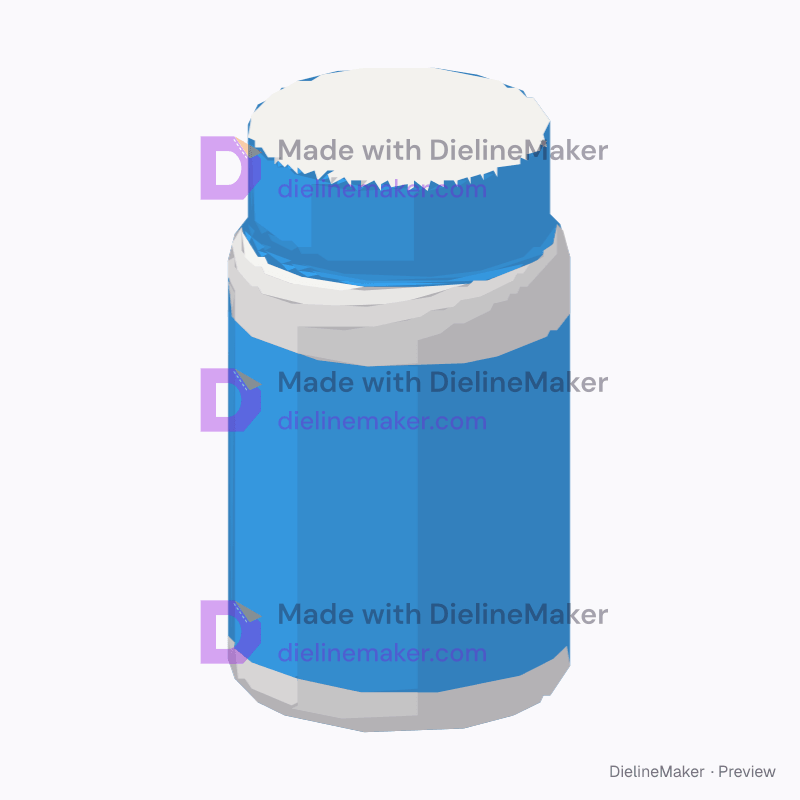
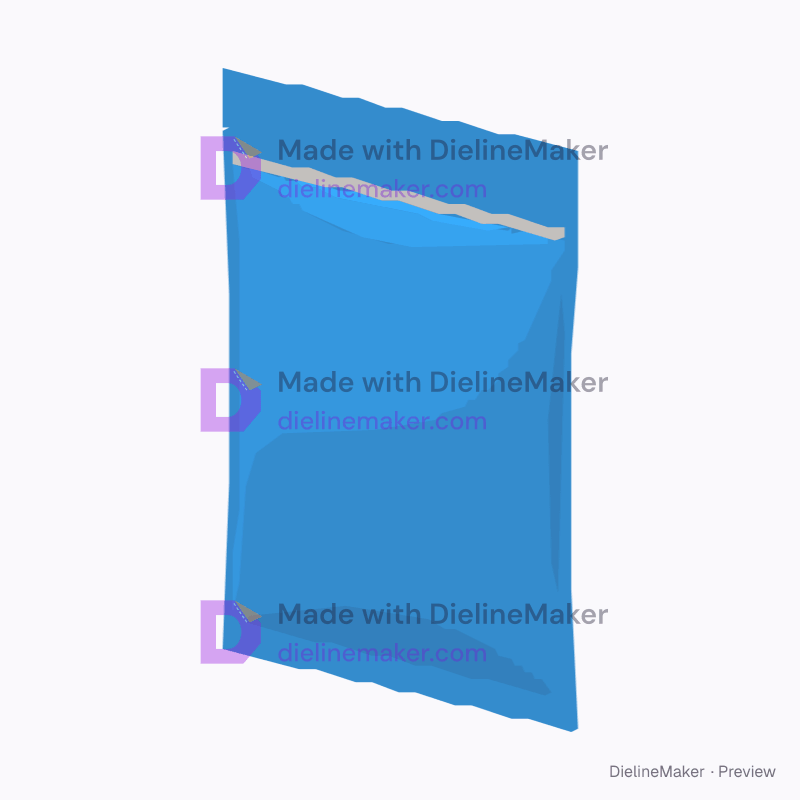
Browse all 103 templates and sizes for health & supplements →
Start with a product brief
- Use the supplier’s closed-container dimensions and label area.
- Obtain approved product text before allocating the information panels.
- Reserve the agreed areas for variable data, identifiers and any separate insert.
Materials and supplier checks
Use the selected structure’s supported carton or label stock as a design starting point. The supplier must specify the actual container, closure, liner, barrier and printed materials for the product.
Route the artwork through the responsible regulatory and quality reviewers. DielineMaker does not validate health claims, medicine labelling, child resistance, tamper evidence or product stability; those approvals and tests remain separate.
Choose the tool for the job
Match the next task to its workflow before choosing a template or buying a plan.
| Your task | Start here | Why it fits |
|---|---|---|
| Work from an approved production outline | Supplier dieline import | Retain the supplier’s panel and print-area geometry for review. |
| Review an exact artwork revision | Project sharing | Keep discussion tied to a saved version before releasing production files. |
| Prepare the printer handoff | Print checks and exports | Review file geometry and artwork separately from product and regulatory approval. |
Check current plans and export access before purchasing. Production suitability and supplier approval remain separate from the visual proof.
Follow the workflow
Common questions
Does a supplement-bottle mockup include an approved container specification?
No. It represents the supplied object and its artwork area. Obtain the actual bottle, closure, liner and product-compatibility specifications from the supplier.
Can the editor approve medical or supplement label claims?
No. It supports artwork design and file review. The responsible regulatory and quality teams must approve the text, claims and product-specific requirements.