E-commerce & shipping
E-commerce and shipping packaging guide
Build the pack around the product plus its protection, then check the outside parcel dimensions. A tidy unboxing render helps the brand review; a loaded sample shows whether the product moves, the closure works and fulfilment staff can assemble it reliably.
Choose a template ↓Templates for e-commerce & shipping
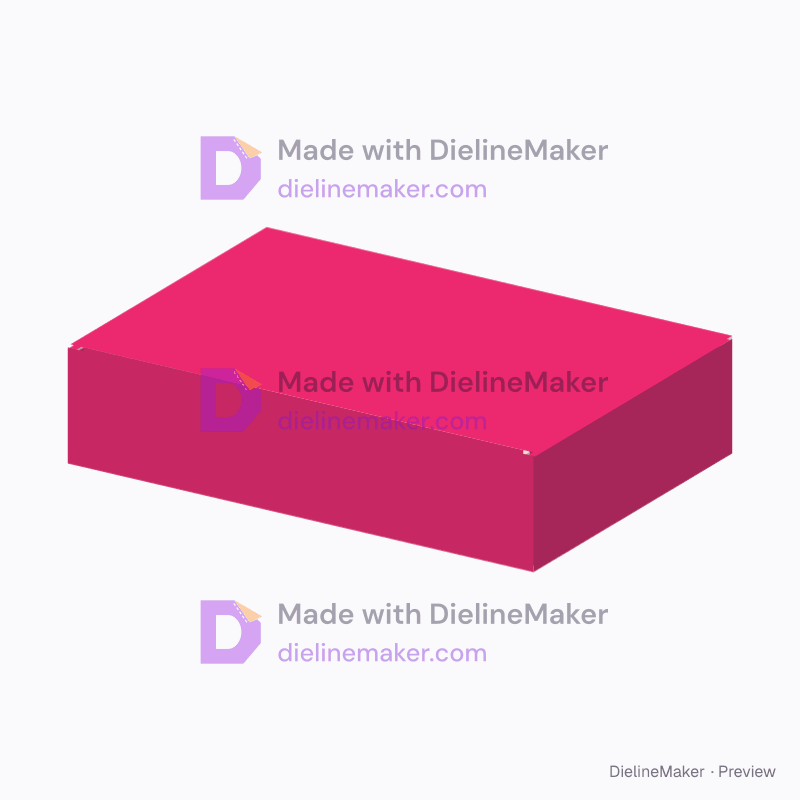
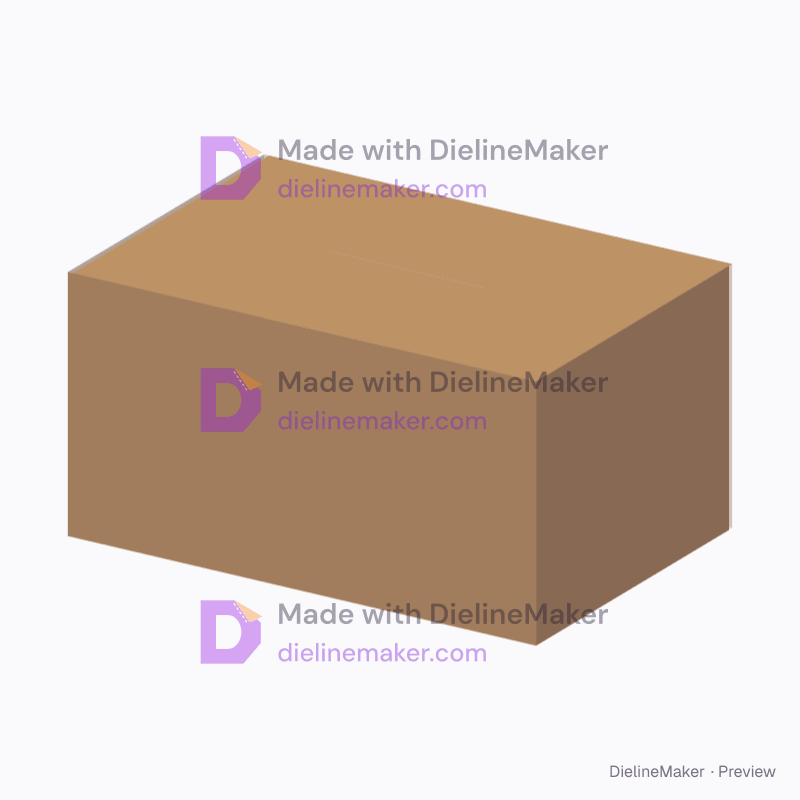
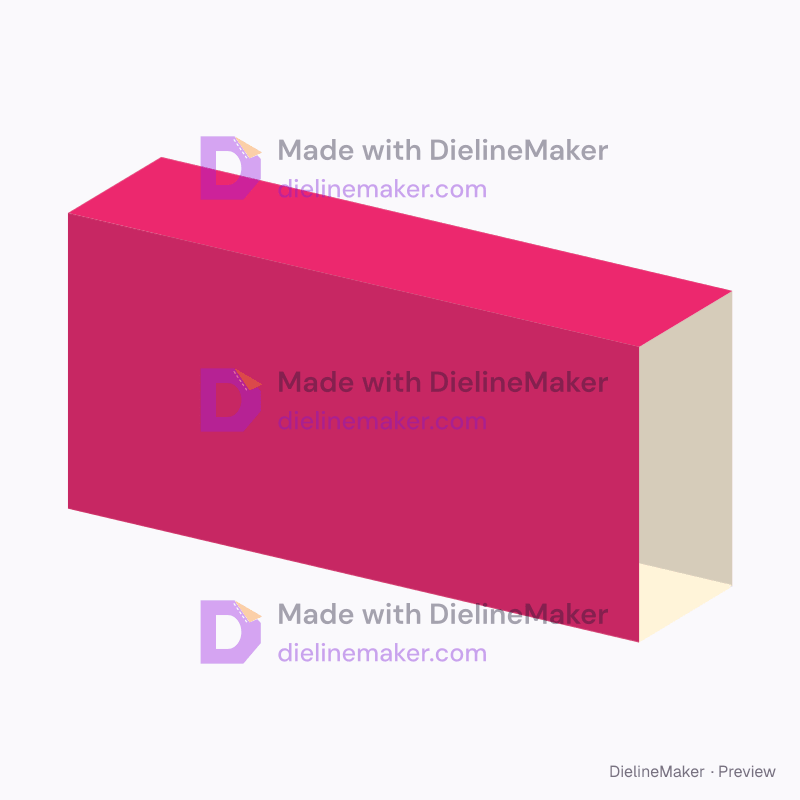
Browse all 544 templates and sizes for e-commerce & shipping →
Start with a product brief
- Measure the product with its protective wrap or insert in place.
- Separate the usable inside dimensions from the carrier-facing outside dimensions.
- Specify how the pack is sealed, labelled, opened and, if needed, reused for a return.
Materials and supplier checks
Compare the corrugated grades permitted by the selected mailer or carton and enter the supplier’s actual caliper. Board thickness in the editor is not a compression, drop or moisture-performance rating.
Have the converter and fulfilment team approve the loaded sample and the transport test appropriate to your distribution route. Verify carrier size rules against the final packed parcel and current service requirements.
Choose the tool for the job
Match the next task to its workflow before choosing a template or buying a plan.
| Your task | Start here | Why it fits |
|---|---|---|
| Check the inside-lid print | Sun Courier mailer | Use the separate inside and outside artwork to proof the unboxing sequence. |
| Estimate the finished parcel size | Box size calculator | Compare inside and outside sizes with the selected material thickness. |
| Choose a mailer construction | Dieline generator | Inspect the flat blank and fold before applying the unboxing artwork. |
| Review assembly and graphics | Project sharing | Send a saved revision for review, then validate the physical packed sample. |
Check current plans and export access before purchasing. Production suitability and supplier approval remain separate from the visual proof.
Follow the workflow
Common questions
Which dimensions should I enter for a shipping box?
Start with the usable inside space required by the product and its protection. Check the resulting outside dimensions separately for storage and shipping. Use the converter’s specification for the production blank.
Does a folded mockup prove the parcel will survive shipping?
No. The preview helps inspect geometry and artwork. A loaded physical sample and the agreed transit tests are needed to assess protection and closure performance.